FFA PVP Club Guides
From first join to courtyard dominance — every core tutorial in one hub.
Start here
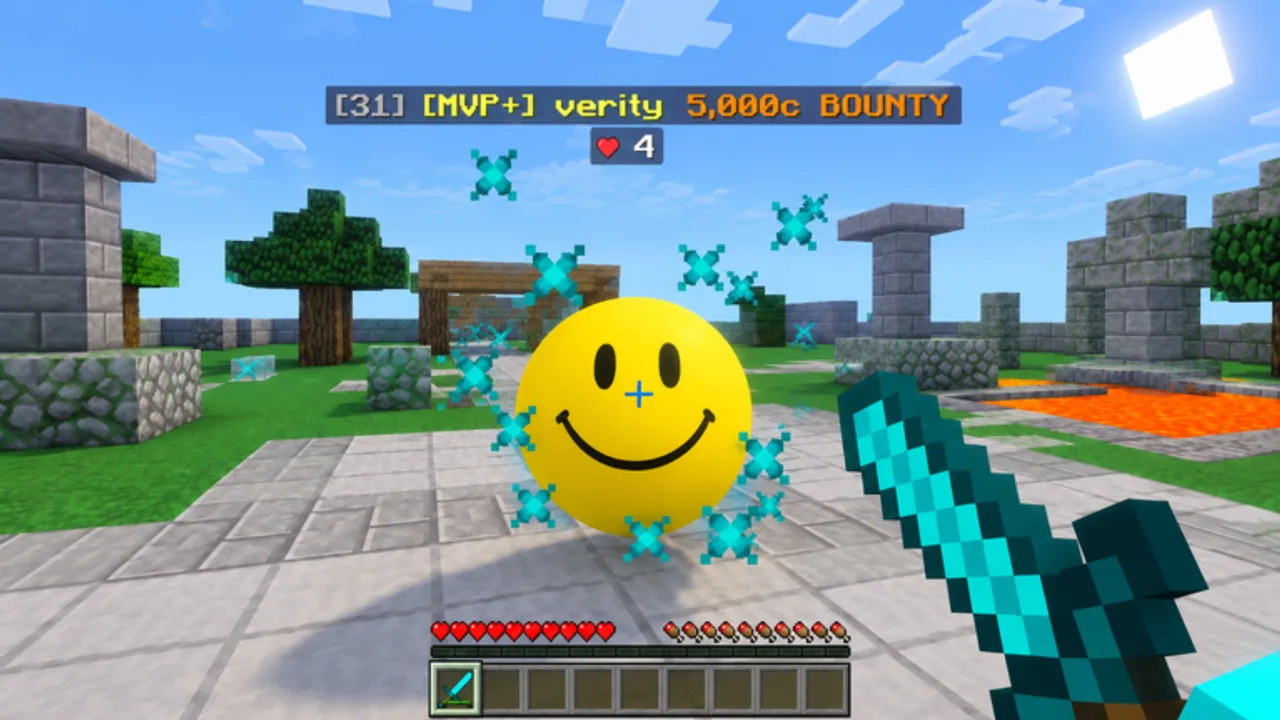
FFA PVP Club (also listed as 1.8 PVP Club) is a free Roblox Action / Battlegrounds experience by 1.8 PVP Community. It recreates Minecraft 1.8.9-style click PvP — sprint resets, knockback sword fights, bows, golden apples, sneaking — inside Roblox servers capped near twenty players. You level up, unlock the Upgrade Shop, chase cosmetics/crates, claim Daily Rewards, queue Duels, and climb a global kills leaderboard.
This Guides Hub is the map of every tutorial on the wiki. Use it when you are new, when you return after a patch, or when your rank stalls and you need a structured fix. Roblox last marked the place updated on 7 November 2026 (~5.6M+ visits).
Guide index
Getting Started
Day-one checklist: join the Roblox place, learn the HUD, claim Daily Rewards, open Upgrade Shop / Cosmetics / Settings / Duels menus, and survive your first FFA lives without panic.
How to Play
Core loop deep dive — spawn, fight, earn XP, unlock upgrades and cosmetics, then convert sessions into leaderboard progress. Best page for understanding why each system exists.
Combat Tips
Advanced 1.8 fundamentals adapted to this port: CPS habits, sprint resets, knockback control, blockhit concepts, and positioning on wool / courtyard geometry.
Controls
PC, mobile, and controller-oriented input guide covering sword swings, sprint, sneak, bow, hotbar habits, and how to open the major menus quickly mid-fight.
Daily Rewards
Login gift loop that matters most while Codes show no active public strings — streak habits, claim rituals, and how gifts feed the Upgrade Shop.
Cosmetics & Crates
What Cosmetics and Cosmetic Crates change, what they never change, Robux Shop caution, and how to collect without starving your combat climb.
Duels
Clean 1v1 practice to isolate resets and gapple timing, plus how to transfer those habits back into chaotic FFA lobbies.
Arena Map Guide
Courtyard sightlines, wool edges, rotate templates, and third-party math so map IQ supports your CPS.
Suggested learning path
- Controls (5 minutes) — make sure sprint and sneak are comfortable.
- Getting Started — claim dailies and click every menu once.
- Daily Rewards — lock the free progress habit.
- How to Play — understand XP and shop loops.
- Combat Tips — drill resets in real lobbies.
- Duels — isolate one mechanic without third parties.
- Arena Map — add rotates and edge respect.
- Cross into Combat Styles and Upgrades once fights feel readable.
- Optional: Cosmetics & Crates after offense upgrades land.
- Track climbs with Players Hub.
- After patches, skim Updates then re-test one tip that might have changed.
What these guides assume
- You are on Roblox (PC, mobile, or console) playing the free experience.
- You know FFA means free-for-all — everyone else is a threat.
- You want fair improvement first. Script documentation lives under Scripts with explicit ban warnings; it is not required reading for skill.
- The game is not affiliated with Mojang or Microsoft even though the combat fantasy is Minecraft-inspired.
How guides connect to the rest of the wiki
- Codes Hub — no active public codes as of November 2026; do not stall waiting on gifts.
- Tier List Hub — ranks upgrade paths and styles once basics click.
- Players Hub — leaderboard farming ethics and tracking.
- Official Links — Roblox game URL and 1.8 PVP Community group.
Each guide keeps internal links locale-agnostic so translations route correctly. Prefer these pages over random chat advice when someone claims a secret one-shot setting.
Tips for using video + text together
Several guides embed a single real gameplay video mid-article. Watch for movement rhythm, not for script showcases. Pause when you see a clean sprint reset or gapple timing, then recreate it in your next life. Reading without swinging a sword teaches little; swinging without a plan teaches bad habits.
Navigation note
The desktop Guides dropdown shows a limited set of entries and links to this hub for the full list when the category grows past eight items. Mobile menus still list every guide under the Guides group.
After you finish the core guides
You should be able to:
- Open every major menu without hesitating
- Explain the spawn → fight → level → upgrade loop
- Land intentional sprint resets more often than accidental ones
- Claim Daily Rewards every session without fail
- Choose a primary style and a matching upgrade spend
- Rotate after kills instead of dying on the corpse
- Ignore fake code lists and unsafe guaranteed-win tools
If any of those still feel fuzzy, re-read the matching guide and play one focused session with a single goal. FFA PVP Club rewards deliberate practice inside messy lobbies — these pages exist to give that practice a syllabus.
Frequently Asked Questions
Quick answers to the most common questions.
Which guide should a brand-new player open first?
Start with Getting Started, glance at Controls if your sprint key feels awkward, claim Daily Rewards, then read How to Play before grinding serious sessions.
Do I need scripts to follow these guides?
No. All core guides assume fair play. Scripts are optional documentation with ban risk and live in a separate hub.
Is FFA PVP Club the same as Minecraft?
No. It is a Roblox experience inspired by Minecraft 1.8.9 PvP. It is not affiliated with Mojang or Microsoft.
Where do upgrade and style rankings live?
In the Tier List section — Upgrades and Combat Styles — after you understand the Guides Hub basics.
How often should I re-read combat tips?
Whenever your rank stalls or after a balance patch noted on the Updates hub. Pick one mechanic to focus per session.